Choose Bitly if you want analytics and QR codes bundled in one ecosystem. Choose Rebrandly if branded domains are your first priority. Either tool measures what happens after a click or scan. Neither one puts your message in front of people on a street, at a convention center or on a ride. For out-of-home, event and trade-show work, the link tool is the measuring stick, and the campaign around it decides what there is to measure. That is why we run LED mobile billboards and wrapped rideshare vehicles with smart QR codes, geofencing and attribution reporting in the same program.
This comparison is written for marketing teams, agencies and event organizers who are deciding which link tool to put on a printed or mobile-media creative.
TL;DR
- Bitly leans analytics-first: click data, dynamic QR codes and landing pages in one place. Rebrandly leans branded-links-first: custom domains, device and geo routing, and link galleries.
- Both focus on clean redirects, branded domains, routing rules and analytics. Neither is a campaign tool with call-to-action overlays on third-party URLs as a core feature.
- For location-level results, give each location or placement its own QR code and compare their analytics separately.
- Plan limits and prices change often, so read each vendor’s current pricing page against your monthly link and QR volume before you commit.
- Pair whichever tool you pick with a campaign that produces scans in the first place: that is where our mobile billboards come in.
Table of Contents
- Bitly vs Rebrandly at a glance
- Branded links, custom domains and QR codes
- Analytics: what each tool can and cannot tell you
- What a marketing team should check before choosing
- Which one fits which team
- Where the link tool ends and the campaign begins
- Using your link tool at conferences and trade shows
- Put measurable out-of-home behind your links
- FAQ
- Sources
Bitly vs Rebrandly at a glance
Bitly is a link-management platform founded in 2008 in New York City. According to TrustRadius, the vendor says it shortens 1 billion links per month. Rebrandly, per the same page, lets companies and individuals brand and shorten links using a domain name of their choosing.
That difference in origin shows in how each product is built. A June 2026 comparison from Elido describes Bitly as analytics-first, with deep click data, dynamic QR codes and landing pages bundled together. It describes Rebrandly as branded-links-first, with custom domains, device and geo routing and link galleries, and with branding available from the very bottom of its pricing.
| Question you are asking | Bitly | Rebrandly |
|---|---|---|
| Core approach | Analytics-first ecosystem | Branded-links-first |
| Built around | Click data, dynamic QR codes, landing pages | Custom domains, device and geo routing, link galleries |
| Best first reason to pick it | You want reporting and QR codes under one roof | Your brand name in every link matters most |
| Where branding sits | Check the plan that includes your domain | Available from the entry of its pricing |
The table keeps to what the checked sources state. Everything else, including exact prices and quotas, should come from the vendors’ own pages on the day you buy.
Branded links, custom domains and QR codes
A branded link is a short link on your own domain, such as go.yourbrand.com/expo, instead of a generic shortener domain. On a printed piece or a truck-side display, this matters more than in an email. People cannot hover to check where a link goes, so the visible domain is the only trust signal they get.
If you run many campaigns under one brand, Rebrandly’s emphasis on domains is the clearer fit. If your team already lives in click reports and wants QR codes created and tracked in the same account, Bitly’s bundle is simpler to manage.
For QR codes, one distinction decides most of the choice: static or dynamic. A static code has the destination baked in. A dynamic code points to a short link you can edit later and track. Anything printed or displayed in the real world should be dynamic, because you will want to change the landing page after the creative is produced, and you will want scan counts.
Analytics: what each tool can and cannot tell you
Both platforms report clicks and scans. That is the digital half of the picture. What they do not give you, by their design, is a view of where your ad was physically seen.
The research on this is plain: neither tool natively provides call-to-action overlays on third-party URLs as a core feature. They concentrate on redirects, branded domains, routing rules and analytics. So the tool shows you a scan, a time and a rough device or location signal. It does not tell you which street, which event hall or which route produced the scan unless you build that into the setup.
The practical fix is simple. As OpenQR’s guide to trackable QR codes advises, use a separate QR code for each location or placement zone and compare their analytics individually. Name every code the same way, for example expo-hall-a, expo-hall-b, downtown-route-1, so the reports sort cleanly later.
A worked example
Say you exhibit at a three-day industry conference and also run a mobile billboard around the venue and two nearby hotels. You create four short links on one branded domain: one for the booth, one for the truck near the venue, and one each for the hotel zones. On day three, the reports show the hotel zone near the keynote sessions drove twice the scans of the other hotel. That tells you where to move the truck next time. Without separate codes you would see one blended total and learn nothing about placement.

What a marketing team should check before choosing
Work through these in order. Each takes minutes and prevents a switch mid-campaign.
- Volume. Count the links and QR codes you will create in a month, including one per location or placement. Compare that with the monthly limits on each plan.
- Domains. Count how many branded domains you need. An agency running several clients needs more than a single brand does.
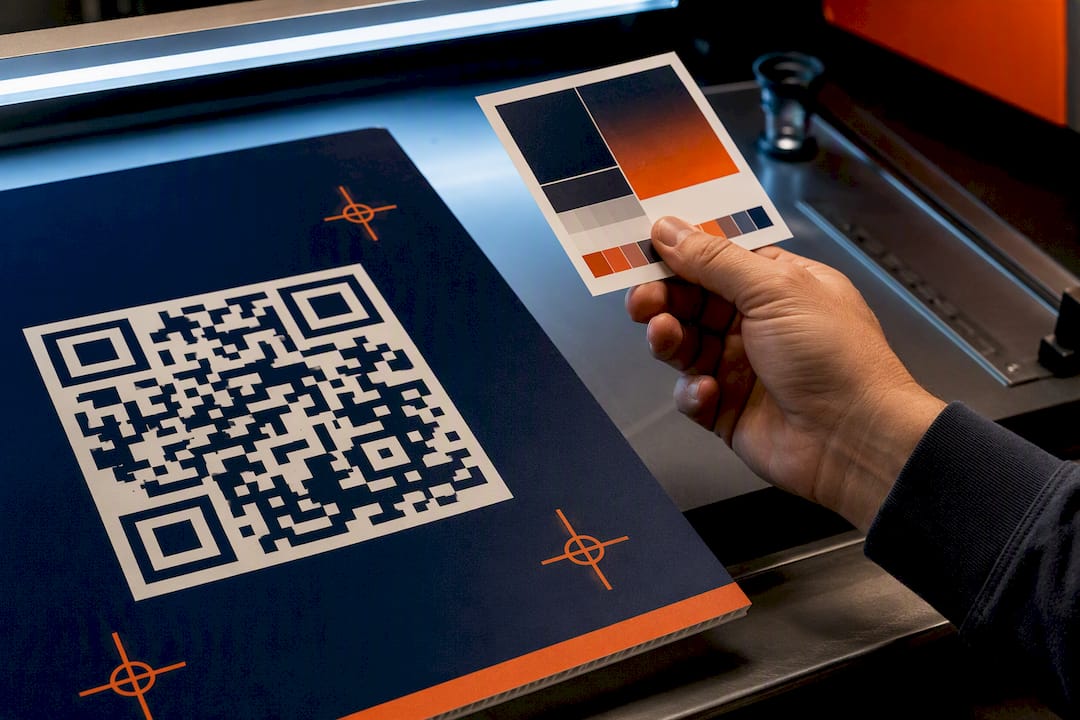
- QR needs. Confirm that codes are dynamic, that you can edit the destination and that you can export a high-resolution file for print and vehicle graphics.
- Reporting. Check whether you can break scans down by link, by day and by device, and whether you can export to the place your team reports from.
- Team access. Look at seats, roles and whether a client can see only their own links.
- Price on your volume. Prices and quotas change, and free tiers often limit branded links and QR watermarks. Read the vendor’s current pricing page and price your real volume, not the headline plan.
A wider framework for choosing metrics is in our marketing measurement strategies list. If you are weighing what to measure before you pick any tool, why analytics in marketing drives better ROI gives a useful way to frame the criteria.
Which one fits which team
Pick Bitly when your priority is reporting depth and a single account for links, QR codes and landing pages. It suits teams that report results upward and want fewer tools.
Pick Rebrandly when your priority is a consistent branded domain across many links, plus routing by device or geography. It suits agencies and brands where the domain itself is part of the creative.
Either works when you run a handful of campaigns with modest volume. In that case, the deciding factor is the price at your volume and the team’s comfort with the interface.

Where the link tool ends and the campaign begins
A short link answers one question: did someone act? Out-of-home advertising raises a different one: did the right people see it, where, and what did they do next? That requires the ad placement, the audience targeting and the link tracking to be planned together.
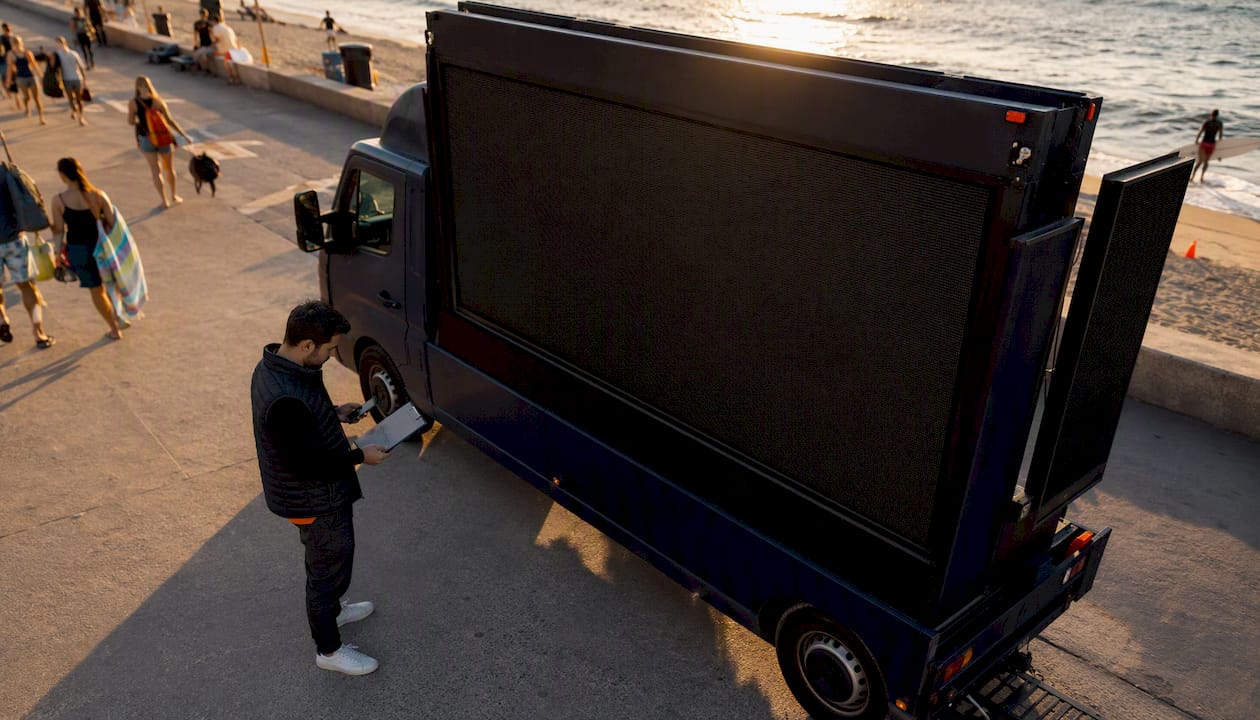
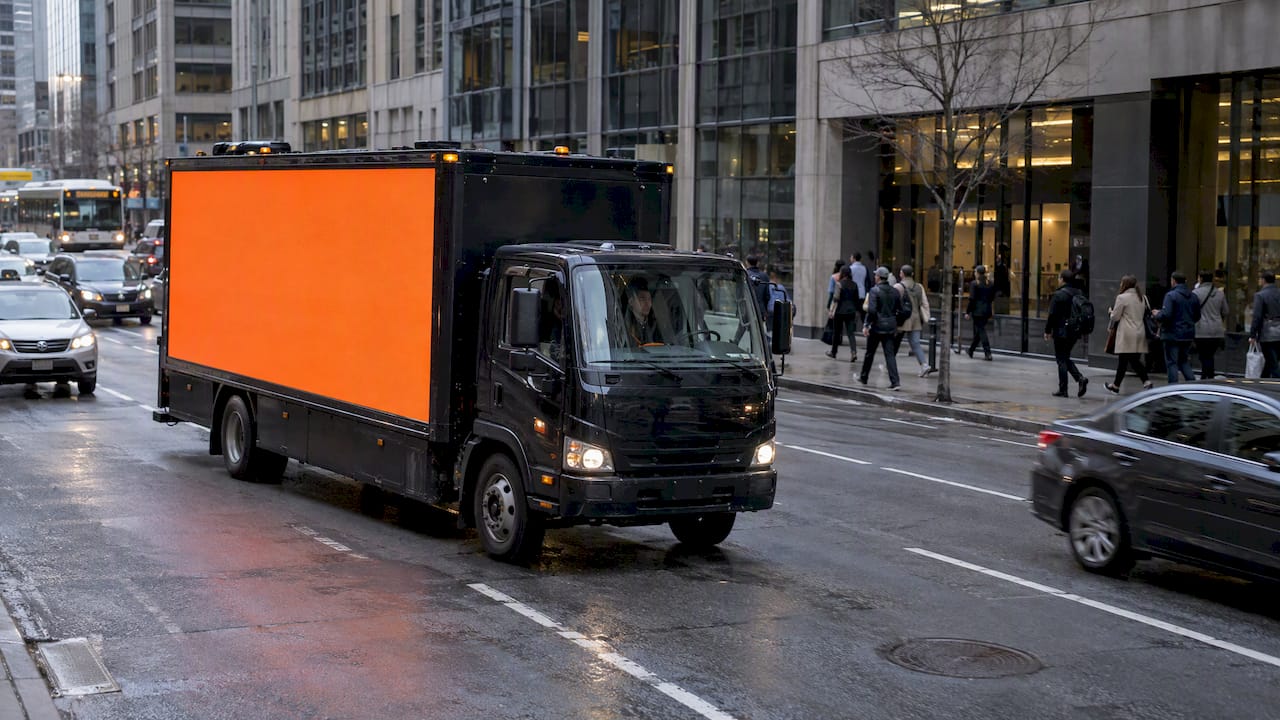
That is how we build campaigns. Our LED mobile billboards and wrapped rideshare vehicles (Uber and Lyft) run across all 50 states. Smart QR codes capture customer data directly from scans. Geofencing, route customization and affinity targeting decide where and to whom the creative is shown. Proof-of-posting with GPS and photo tracking confirms where it ran. Attribution analytics tie the scans back to the placement.
If you want to see how the pieces fit, our guides on precise reporting for ad campaigns, real-time advertising attribution and campaign funnel analytics walk through the reporting side.
Using your link tool at conferences and trade shows
Events are where link tracking pays off fastest, because attendees are concentrated and the window is short. A simple routine:
- Create one branded short link per placement: booth banner, handout, badge sponsorship, mobile billboard route.
- Point each to the same landing page with a different tracking tag so you compare placements, not pages.
- Put the QR code large and give it a one-line reason to scan.
- Check scans daily during the event and shift the mobile creative to the zones that perform.
- After the event, export reports by link and match them to your lead list.
Our approach to this setting is covered in how to target conferences and trade shows with LED mobile billboards. For the broader picture of tracking physical media, see our guide to data-driven out-of-home strategies.
What we think
A link tool is only as informative as the campaign feeding it. We have built our service on the idea that out-of-home should be measured the way digital is: every placement identifiable, every scan attributable, every route documented.
That is why we combine physically mobile billboards with geofencing, real-time retargeting and smart QR codes that capture data at the scan. Whether your team prefers Bitly or Rebrandly for the link layer, the stronger result comes when the media, the audience filter and the reporting are planned as one system, with proof-of-posting behind every claim of where the ad ran.
Our view: choose the link tool on volume, domains and price, then put your budget behind a campaign built to give it something worth measuring.
Scott
Put measurable out-of-home behind your links
If your team is ready to turn QR scans into location-level results, we run LED mobile billboards, wrapped rideshare cars and localized mixed media campaigns nationwide, with geofencing, retargeting, smart QR code lead capture and attribution reporting. Tell us your venue, dates or target neighborhoods on our campaign page and we will build the plan around them.

FAQ
Is Bitly or Rebrandly better for QR codes?
Bitly bundles dynamic QR codes with its analytics and landing pages, which suits teams that want one account. Rebrandly lets you brand the link behind the code with your own domain. Pick on whether bundling or branding matters more to you.
Can Bitly or Rebrandly track where a billboard or truck ad was seen?
Not on their own. They track the click or scan, not the physical placement. Give each location or route its own QR code and compare the analytics by code, as in the worked example above.
Do I need a custom domain for event materials?
It is strongly worth having. On print and vehicle graphics, people read the visible domain before scanning, and a domain with your brand name looks more trustworthy than a generic one.
What does each cost?
Plans, quotas and prices change, and free tiers limit things like branded links and QR codes. Price your real monthly volume on each vendor’s current pricing page before deciding.