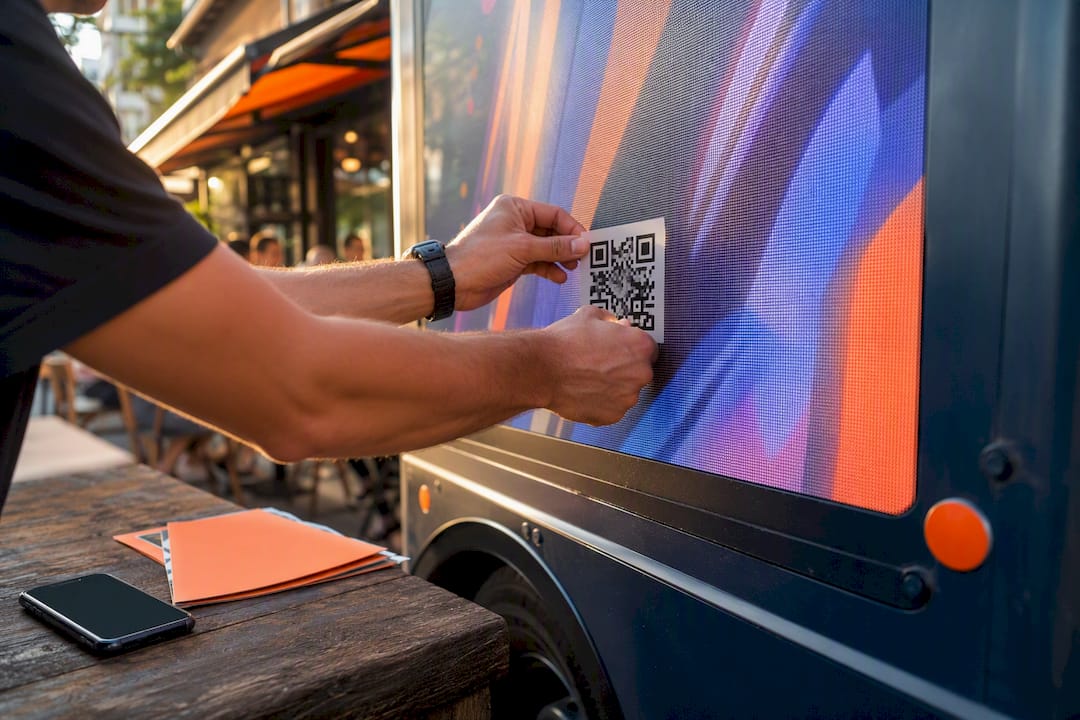
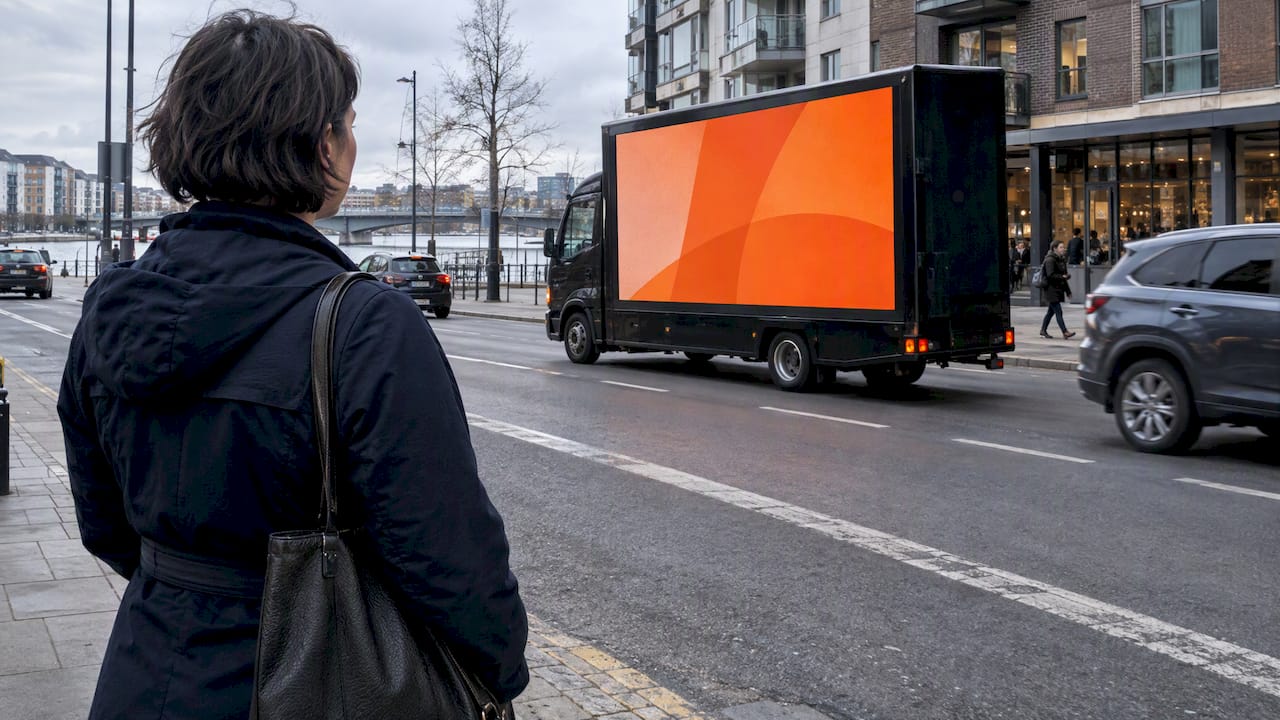
Vehicle QR codes turn every parked truck, wrapped rideshare car, or dealership window sticker into a measurable conversion point, not just a passive impression. Marketing teams use dynamic codes for lead capture and campaign attribution, while fleet managers use static or vehicle-tagged codes for contract workflows and service history, the way Dealerware’s scan-to-start system or Nissan’s window-sticker campaign already do.
TL;DR:
- Dynamic QR codes are preferable for fleet and campaign use because they allow URL updates without reprinting stickers.
- Proper placement follows the 1:10 size rule and high contrast, with sun-resistant materials, to ensure scans in real-world conditions.
- Routing scans to specific, action-oriented landing pages improves conversion rates over generic homepages.
- Testing printed codes on various phone models, under real conditions, is essential before large-scale deployment to prevent failures.
- Using unique codes for each vehicle or route enables precise attribution and valuable operational insights through analytics.
Table of Contents
- Key uses and benefits for marketing and fleet operations
- Best practices: placement, size, contrast, and materials
- How to create and manage vehicle QR codes at fleet scale
- Measurement and analytics: tracking scans, attribution, and testing
- Beacon Mobile Media: practitioner notes on smart QR codes in mobile OOH and rideshare campaigns
- Printing and durability recommendations
- What actually matters once the code is on the vehicle
- Sources
Key uses and benefits for marketing and fleet operations
A QR code on a vehicle does one job well: it converts a glance into an action. For marketers, that means someone who sees a wrapped rideshare car at a stoplight can scan and land on a quote form before the light turns green. For fleet teams, it means a technician can scan a windshield sticker and pull up service history without a phone call to dispatch.
The benefit compounds with repetition. Local service businesses running route-based campaigns often see scans cluster after the third or fourth visual exposure, not the first, which is one reason cumulative route coverage matters more than a single high-traffic placement. On the operations side, Dealerware’s platform generates a unique QR code for every vehicle added to a fleet, letting staff print a small sticker roughly three by four inches and scan it through Dealerware Mobile to start or finish a rental contract or reassign the vehicle to a new driver.
Dealerships have proven the consumer-facing version works at scale. Nissan equipped window stickers across its 2012 lineup with QR codes linking shoppers directly to vehicle detail pages, galleries, and dealer inventory, turning a static price sticker into a live inventory feed.
Practical applications worth building into any rollout:
- Lead capture from parked vehicles at events, retail lots, or curbside pickup zones
- Contract start and finish workflows tied to vehicle assignment (the Dealerware model)
- Dealership window stickers linking directly to VIN, specs, and inventory
- Key tag codes that route service requests without exposing a driver’s personal number
That last point matters more than it sounds. Routing scans through a relay number or a landing page, instead of printing a driver’s cell number, protects the person behind the wheel while still giving customers a fast way to reach the business.
Best practices: placement, size, contrast, and materials
Where you put the code decides whether it gets scanned at all. Rear doors, tailgates, and passenger-side panels work because people approach from those angles when a vehicle is parked. Key tags work for internal fleet use because they never face sun glare. The lower corner of the windshield on the passenger side is another workable spot, since it stays visible to someone standing at the curb without ever entering the driver’s sight line.
Follow these steps when sizing and placing a code:
- Apply the 1:10 rule: a code should be scannable from a distance equal to roughly ten times its width, so a 2 inch code reads clearly from about 20 inches away.
- Never print smaller than 2 inches by 2 inches for close-range scans (key tags, service counters) or smaller than 4 inches square for anything scanned from a few feet back.
- Keep contrast high. Dark modules on a light background outperform inverted or low-contrast color schemes almost every time.
- Add a short call-to-action directly beside the code. “Scan for a free quote” outperforms a bare code with no context.
- Keep branding quiet near the code itself. A logo is fine; a busy background pattern behind the code is not.
Print on UV-resistant vinyl and laminate the surface, since sun exposure and rain are the two fastest ways to degrade a windshield sticker before it earns its cost back.
Pro Tip: Test your printed code on at least three phone models under real field conditions, glare, dust, partial shade, before you commit to a full fleet rollout. A code that scans fine on a clean test print often fails in direct sun on a dashboard.

One more rule outranks all of the above: never design a code or CTA that invites someone to scan while driving. Distracted driving from phone use is a documented road safety hazard, so placement and messaging should always assume the vehicle is parked or the scanner is a pedestrian, never the driver in motion. Codes also shouldn’t be styled to resemble official traffic signage or obstruct any part of the driver’s forward view.
How to create and manage vehicle QR codes at fleet scale
Static codes point to one destination forever. Print a static code, and if the landing page URL ever changes, every sticker on every vehicle needs reprinting. Dynamic codes solve that by pointing to a redirect you control from a dashboard, which is why most automotive QR deployments favor dynamic codes for anything tied to a live campaign or a growing fleet.
Where the scan lands matters as much as the code itself. Route scans to a single-action page, one where the only choice is “request a quote,” “call now,” or “check availability,” instead of a general homepage that forces the scanner to hunt for what they came for. A focused landing page strategy consistently outperforms a generic one.
For fleet-wide deployment:
- Assign a unique dynamic URL to each vehicle or route, with the vehicle or route ID embedded in the redirect path so scans attribute cleanly.
- Use a dashboard to manage redirects across dozens or hundreds of vehicles without touching the printed sticker.
- Key service-related codes to the VIN rather than the current owner, so service history and recall data transfer if the vehicle changes hands.
- Print codes on weatherproof key tags for internal fleet tools, since tags avoid the sun exposure that fades windshield stickers over a vehicle’s life.
Before wide rollout, test the printed template on the actual vinyl stock, check print resolution at full size, and confirm the code scans cleanly on-vehicle, not just on a screen proof, before ordering a full production run.
Measurement and analytics: tracking scans, attribution, and testing
Dynamic QR platforms typically log scan timestamp, device type, and approximate location for every scan, which is the raw material for attribution. That data set alone lets a marketing team answer a question static print media never could: which specific vehicle, on which specific route, generated this lead?
By the numbers: the real attribution power comes from combining that scan data with UTM parameters and a unique code per vehicle or route. A code on Route A gets one redirect URL; a code on Route B gets another. When both feed the same analytics dashboard, you can A/B test landing page copy, offer type, or even sticker placement, and see which variant converts scans into form submissions, calls, or bookings.

Tie every scan to a defined conversion event, form submit, click-to-call, appointment booked, so the report shows cost per lead, not just scan count. Beyond marketing ROI, fleet teams gain operational metrics worth tracking too: scan-initiated check-in and check-out workflows cut down on radio and phone traffic to drivers, and vehicles often return to service faster when the handoff process starts with a scan instead of a paperwork chain.
Beacon Mobile Media: practitioner notes on smart QR codes in mobile OOH and rideshare campaigns
Beacon-ads builds smart QR codes into every wrapped rideshare vehicle and LED billboard truck it deploys, pairing the physical impression with geofencing, retargeting, and route customization so a scan is never an isolated data point. Every scan feeds back into the same attribution and retargeting sequence that tracks the vehicle’s route.
The funnel runs in a predictable order:
- A vehicle impression happens as the wrapped car or LED truck passes through a targeted geofence.
- A scan captures the lead directly, replacing a phone call or a guessed conversion.
- Proof-of-posting, backed by GPS and photo tracking, confirms exactly where and when that impression occurred.
- The captured lead enters a retargeting sequence instead of disappearing after the initial scan.
Driver privacy stays protected throughout, since scan routing never exposes a driver’s personal contact information, only the campaign’s designated landing page or relay line.
Printing and durability recommendations
A vehicle QR code is only as good as its worst weather day. UV exposure is the primary threat on any exterior surface, windshield stickers, tailgate decals, or door panels, since direct sunlight degrades ink faster than almost any other environmental factor a printed code will face. Lamination adds a real buffer against that fade, and it’s worth the marginal cost on anything expected to stay on a vehicle longer than a single campaign cycle.

Print resolution deserves the same attention as placement. A code that looks crisp on a monitor can turn into a blurry mess at full size if the source file wasn’t built for print. Export at a resolution that holds up at the sticker’s actual physical dimensions, not the screen preview size, and proof it on the same vinyl stock you’ll use for the full run.
Rain, road grime, and repeated washing all shorten a sticker’s working life faster than sun alone in some climates. Weatherproof vinyl resists all three, but even weatherproof stock benefits from a field test run before a full fleet order goes out. Field test the printed code on a handful of phone models under glare, rain, and partial dirt, since these edge cases are exactly where marginal print quality fails first. Keep a small reprint buffer on hand for vehicles that need repositioning or a fresh sticker after the initial deployment, rather than treating the first print run as final.
Key tags sidestep most of this entirely, since they never sit in direct sun or get rained on the way a windshield sticker does, which is part of why fleet operators lean on them for anything meant to last the vehicle’s full service life.
What actually matters once the code is on the vehicle
Most advice on this topic obsesses over code design, contrast ratios, module size, error correction, while underplaying the part that actually drives results: where the scan lands and how fast that data gets back to a decision maker. A perfectly designed code pointing to a slow, generic homepage will underperform an ugly code pointing to a one-tap quote form every time.
The conventional wisdom also treats static and dynamic codes as roughly interchangeable design choices. They aren’t. Any fleet or campaign running more than a handful of vehicles should default to dynamic from day one, because the cost of reprinting stickers after a URL change dwarfs the small premium of a dynamic platform.
If you’re prioritizing one thing first, prioritize attribution architecture, unique codes per vehicle or route, before you spend another hour debating sticker fonts. A code without clean attribution is decoration. A code with it is a lead source you can actually report on.
— Scott
Ready to put smart QR codes to work on a mobile campaign instead of just a single vehicle? Beacon-ads builds them directly into LED billboard trucks and wrapped rideshare fleets nationwide, with proof-of-posting and attribution reporting baked into every route. Explore the full range of out-of-home advertising formats built for measurable, geofenced campaigns.
Sources
- Scan Vehicle QR Codes – Dealerware
- Nissan launches on-vehicle graphic QR code campaign
- Mobile phones and driving safety — Wikipedia