Proximity targeting for events uses geofences and nearby location signals to identify attendees and reach them across channels before, during, and after the event. Marketers use it to drive awareness, capture onsite engagement, and retarget attendees afterward with measurable visit lift. One catch: handling precise geolocation tied to sensitive places calls for careful consent and privacy review.
TL;DR:
- GPS geofences often lack reliable floor level accuracy indoors, so use BLE beacons or QR check ins to confirm sponsor zone visits.
- Use custom venue polygons, test them with seed devices, and verify documented consent and downstream deletion rather than relying on vendor assurances before activation.
- Measure visits in defined conversion zones against a matched unexposed control group; click through rates miss view through and visit based influence.
- At conferences, capture booth leads with QR codes, then run a 0–14 day follow up sequence to convert those contacts.
- If a venue borders a hospital, clinic, or place of worship, create and maintain exclusion polygons and document consent before targeting.
Table of Contents
- Which proximity tactics fit which event goals
- Setting up and validating your event geofence
- Proving visit lift: conversion zones and control groups
- Privacy and compliance checklist after recent FTC actions
- Campaign ideas by event type
- What belongs in your proximity targeting stack
- Treat event audiences as a repeatable asset, not a one-off spend
- How Beacon Mobile Media supports event proximity campaigns
- FAQ
- Sources
Which proximity tactics fit which event goals
The right tactic depends on how precise you need to be and how far from the venue you want to reach people.
Venue geofencing draws a virtual boundary around a stadium, arena, or convention center and flags devices that cross it. This works well for building a retargeting pool and proving that someone was physically present. Secondary-hotspot targeting extends reach beyond the venue itself. Event geofencing works best when it also covers conference hotels, airport terminals, and nearby restaurant districts, since attendees spend meaningful time in those areas between sessions. That window, between the keynote and dinner, is often when intent is highest and attention is least divided.
GPS-based geofencing has real limits once you move indoors. Vertical precision inside a multi-floor venue is inconsistent, so marketers who need floor-level or sponsor-zone accuracy typically layer on BLE beacons or QR-code check-ins to confirm exact placement.
Timing matters as much as geography:
- Pre-event: build awareness geofences around ticketing pages, past attendee lists, and travel hubs.
- During event: activate venue and secondary-hotspot geofences for real-time engagement.
- Post-event: choose a retargeting window that fits the campaign and audience, then use it to turn captured visits into measurable action.
Pro Tip: Combine a wide venue geofence with a tighter BLE zone around your own booth or sponsor activation so you can tell general foot traffic apart from people who actually stopped at your space.
Setting up and validating your event geofence
A geofence is only as good as the polygon behind it. Loose setup work shows up later as inflated reach and unreliable attribution.
- Draw a custom polygon rather than a simple circle whenever the venue has an irregular footprint, since a circle around a stadium often bleeds into adjacent parking lots or unrelated buildings.
- Watch for snap-to-POI defaults in your platform, which can silently widen or shrink your intended boundary without flagging the change.
- Test the polygon with a handful of seed devices carried through the venue before launch to confirm the boundary fires where expected.
- Confirm consent provenance at ingestion: every device included in your audience should have a documented consent chain tied back to its source, not just a vendor’s assurance, a control that FTC Sensitive Location Guide for Buyers 2026 | GSDSI treats as a baseline operational requirement.
- Check coordinate precision claims against raw GPS data, since reported accuracy can mean something different once a location has been snapped to a nearby point of interest.
- Map your activation chain: DSP for mobile activation, DMP for audience export, and a DOOH feed if you are layering digital out-of-home into the same campaign.
- Keep a polygon changelog so you can trace when a boundary changed and who approved it.
- Run a deletion and opt-out test before launch to confirm that removed devices actually drop out of the targeting pool, not just the reporting dashboard.
- Maintain a versioned exclusion list for sensitive locations near your venue and update it every time your footprint changes.
Skipping the seed-device test can cause campaigns to underperform their projected reach. If you want a deeper comparison of geofencing and geotargeting before you commit to a setup, it’s worth reviewing which one actually matches your event’s geography.
Proving visit lift: conversion zones and control groups
A geofence tells you who was near an event. Measurement tells you whether that exposure actually changed behavior, and that distinction is where most campaign reporting falls short.
A conversion zone is a defined area, often a retail location, ticket booth, or landing page, where a visit or action gets attributed back to an exposure window. If someone enters your venue geofence on Friday and visits your conversion zone within your defined window, that visit counts toward lift.
Isolating true lift requires a comparison point. A matched control group, built from a similar audience that was not exposed to the campaign, lets you separate genuine lift from baseline behavior that would have happened anyway, the research on geofencing effectiveness consistently points to this as the difference between a real result and a coincidence.
A campaign that relies only on click-through rate undercounts its own impact, since view-through and visit-based influence never register in a simple click metric and can make an effective campaign look weak on paper.
A few practical notes on running the test:
- Short events, such as a single conference session, may suit a brief pilot window.
- Multi-day events or festivals may call for a longer measurement window.
- Reporting should include device-level sample sizes, the exact timeframe measured, and proof-of-posting evidence for any out-of-home component, including timestamped GPS and photo confirmation.
Our engagement tracking methods page walks through how these pieces fit together for event-specific reporting.
Privacy and compliance checklist after recent FTC actions
Regulatory ground has shifted enough that compliance now belongs in the setup phase, not an afterthought. As of mid-2026, precise geolocation tied to sensitive locations, such as medical facilities, places of worship, or addiction recovery centers, warrants careful consent and privacy review. Enforcement orders concerning this data have been finalized.
Build these checks into vendor diligence and procurement before you sign anything:
- Request sensitive-location exclusion polygons from any data or targeting vendor and confirm they’re maintained on a regular schedule.
- Ask for a deletion propagation test showing that opt-outs clear from every downstream system, not just the primary platform.
- Require documented consent-chain provenance for every audience segment, mapped from collection through to activation, a standard FTC Sensitive Location Guide for Buyers 2026 | GSDSI lays out specifically for buyers evaluating vendors in 2026.
- Add polygon versioning and audit rights to your contract so you can verify boundaries after the fact.
- Negotiate a deletion SLA with a specific turnaround time, not a vague commitment to “honor requests.”
Pro Tip: If your event venue sits near a hospital, clinic, or house of worship, build an exclusion polygon around that location before you launch, not after a complaint arrives.
For a quick reference on legal considerations, our geofencing legal issues page discusses checks relevant to current FTC orders.
Campaign ideas by event type
The right flow depends on the event’s shape and how long attendees stick around afterward.
- Conference or trade show: build pre-event awareness through a geofence around past attendee lists, capture leads with QR check-ins at your booth, then run a 0 to 14 day nurture retargeting sequence to convert captured contacts.
- Sports or concerts: place BLE beacons in sponsor zones for precise onsite activation, pair with in-stadium second-screen retargeting during the event, then push 0 to 7 day retail promos to capture impulse purchases right after the final whistle.
- Festivals or local activations: combine secondary-hotspot targeting around nearby neighborhoods with mobile out-of-home routes, including rideshare-wrapped vehicles, to lift foot traffic across a wider radius than a venue geofence alone can reach.
Track visit lift percentage, a conversion proxy specific to the event (lead capture, retail visit, ticket scan), and cost-per-acquisition guidance against your pre-set benchmark for each flow. Our geofencing campaign ideas page has more flow templates if you want to adapt one of these before your next event.
What belongs in your proximity targeting stack
A working stack needs the right categories, not vendors picked at random.
POI and polygon management handles the boundaries themselves, and any provider in this category should offer accuracy provenance and a versioned changelog you can audit. DSP and DOOH connectors handle activation, pushing your audience into mobile ad delivery and digital out-of-home placements from a single source. Measurement suites need to support conversion-zone attribution and holdout testing specifically, not just impression counts. Onsite hardware, BLE beacon systems and QR-code platforms need a direct CRM connector so captured leads land somewhere usable instead of sitting in a standalone dashboard. Teams running corporate event promotion sometimes layer in digital signage for event promotion alongside BLE and QR tools to extend onsite engagement beyond a single booth.

Treat event audiences as a repeatable asset, not a one-off spend
Most teams treat event proximity targeting as a single campaign tied to a single date. That undersells it. The real value shows up when captured audiences get stored, decayed on a schedule, and reused across future campaigns, turning a one-time activation into a growing, consent-verified pool.
That requires discipline: consent-first architecture from day one, a decay rule so stale devices drop out automatically, and clear internal ownership of who responds when an opt-out or exclusion request comes in. Build your audience pool with those three pieces in place, and next year’s event campaign starts from an asset instead of a blank page.
— Scott
How Beacon Mobile Media supports event proximity campaigns

We built our approach around the gap between a geofenced audience and a campaign people actually notice. A digital audience segment captures intent, but visible creative near the venue is what turns that intent into foot traffic you can measure.
Our services cover:
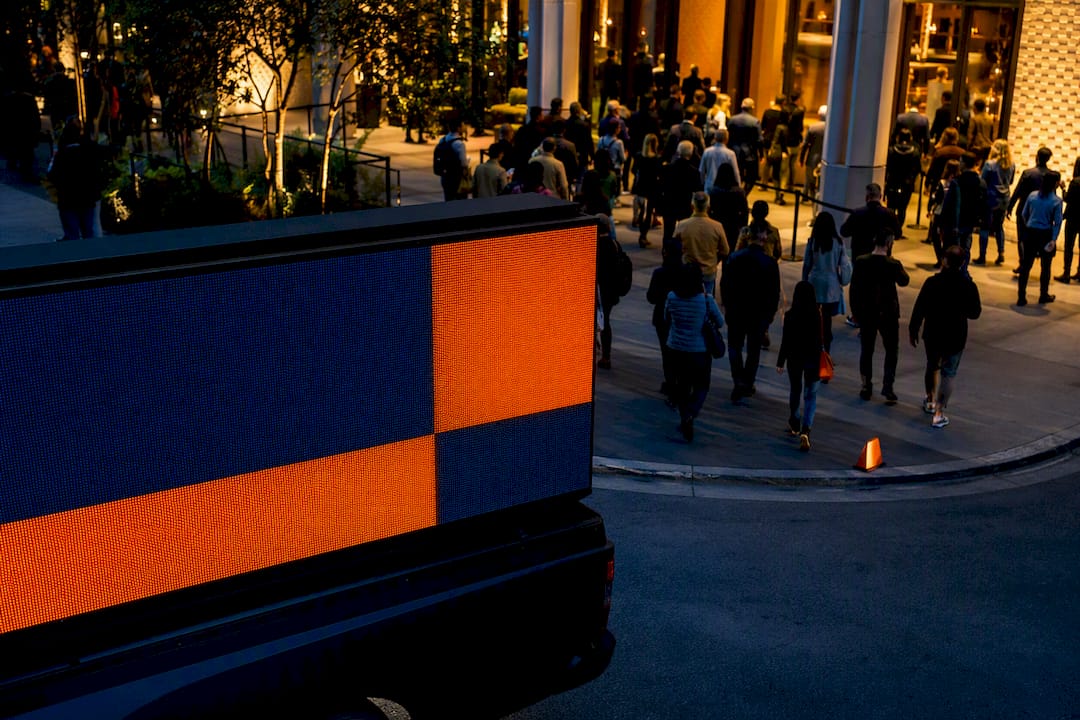
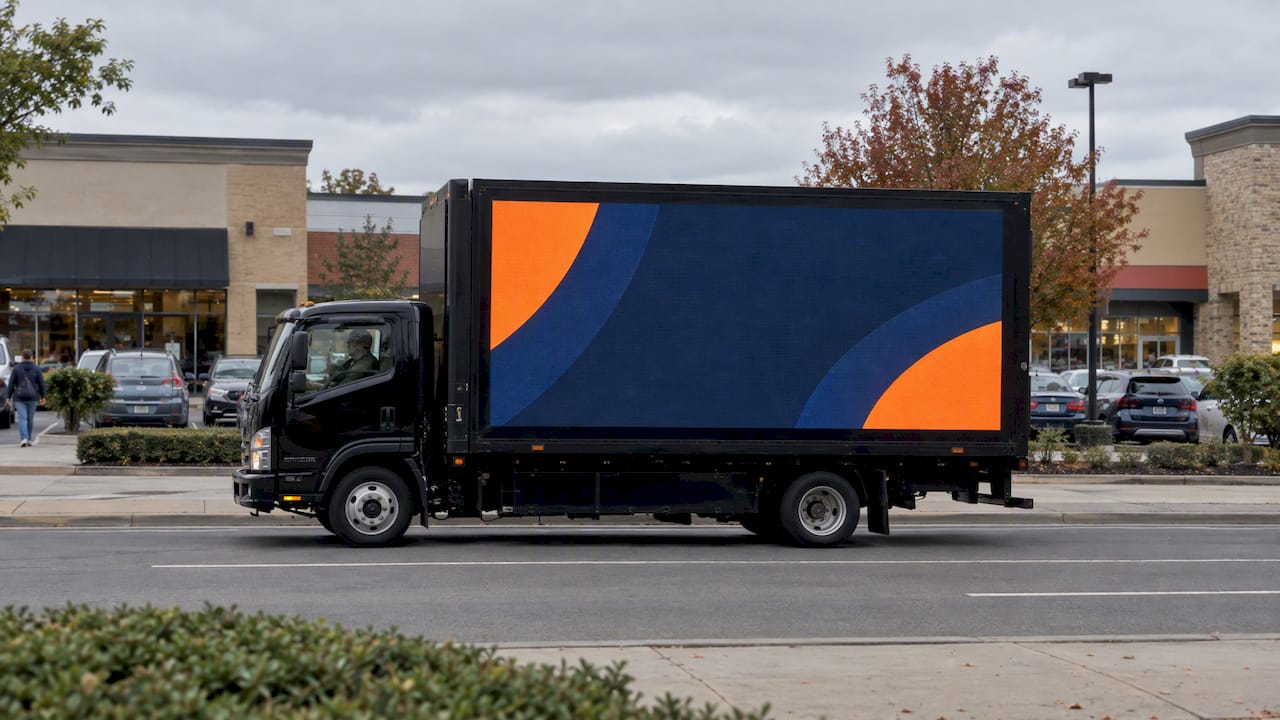
- LED mobile billboards that run custom routes around venues, hotels, and transit hubs during the event window.
- Wrapped rideshare vehicles (Uber and Lyft) that extend reach into neighborhoods a static geofence can’t cover.
- Integrated geofencing and real-time retargeting layered directly onto our mobile creative.
- Smart QR codes on our vehicles and billboards for direct lead capture.
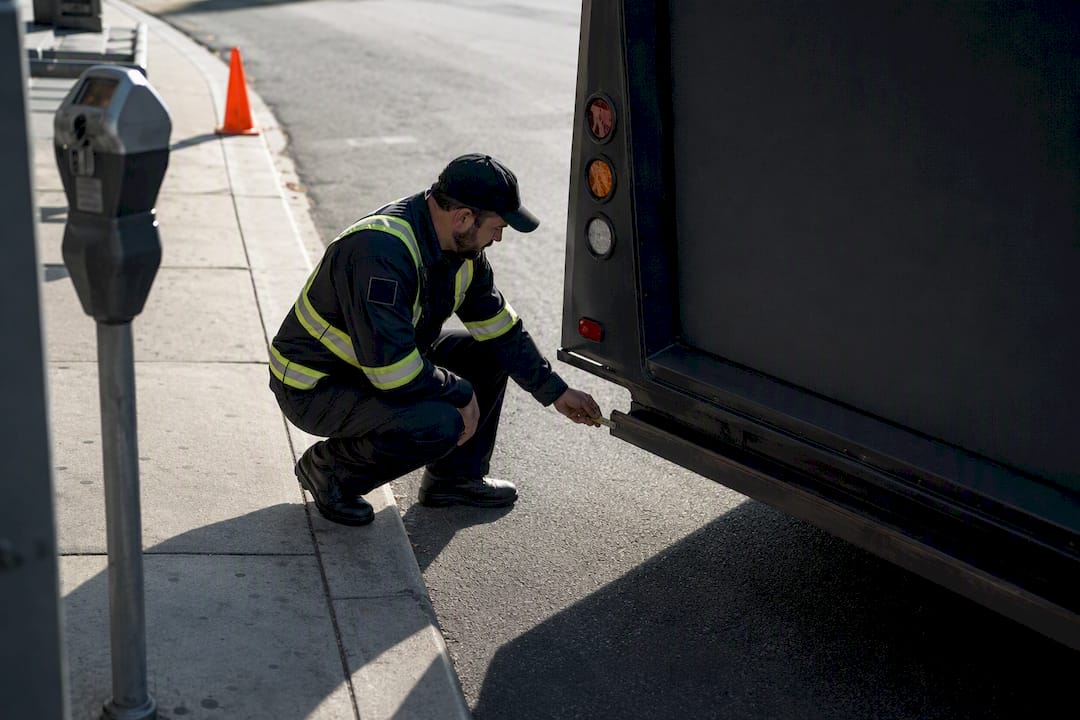
- Proof-of-posting with GPS and photo documentation, plus attribution reporting tied back to your conversion zones.
If your event calls for visible creative, local route control, and a measurable visit-lift result in one package, a short pilot is the fastest way to see it work. Our conference and trade show targeting page walks through a sample setup, or you can start directly at Beacon-ads to scope a pilot for your next event.
FAQ
What is proximity targeting for events?
Proximity targeting for events uses geofences and location signals, such as GPS, BLE beacons, or QR check-ins, to identify people near or inside a venue and reach them with relevant advertising. Marketers use it for onsite engagement during the event and retargeting afterward to prove visit lift.
How does proximity differ from geotargeting in marketing?
Proximity targeting typically refers to reaching devices within a defined distance of a specific point or boundary, like a venue geofence, while geotargeting more broadly targets an audience based on location, such as a city or zip code. Event campaigns often use proximity targeting for venue-level precision and broader geotargeting for pre-event awareness. Our geofencing vs geotargeting page compares both in more depth.
What is an event target in marketing terms?
An event target is the specific audience segment defined by physical presence at or near an event, identified through geofencing or proximity signals rather than demographic data alone. This audience becomes the base for onsite messaging and post-event retargeting.
What are the 7 P’s of event management?
Event management frameworks vary. Some adapt the traditional marketing mix for event planning, with categories such as product, price, place, promotion, people, process, and physical evidence. Proximity targeting fits primarily under promotion and process, since it shapes how attendees are reached and how engagement gets tracked.
How do I measure if my event proximity campaign worked?
Measure visit lift by comparing exposed audiences against a matched control group that wasn’t targeted, using defined conversion zones to attribute visits within a set exposure window. Reporting should include device-level sample sizes, the measurement timeframe, and proof-of-posting evidence for any out-of-home component of the campaign.