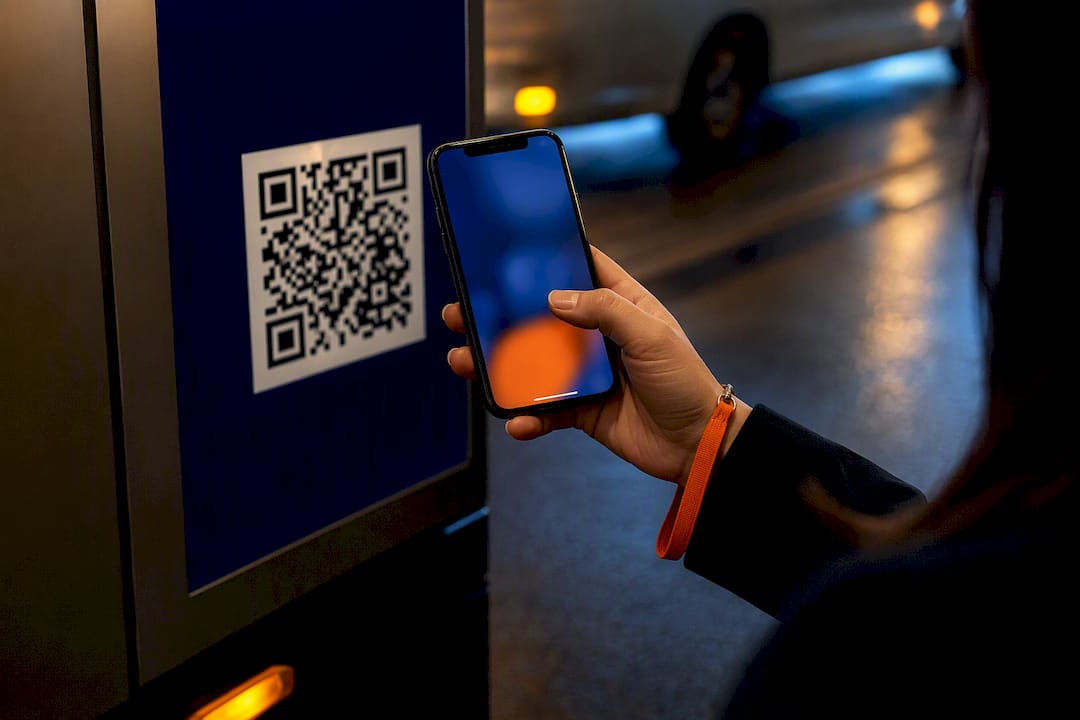
For any campaign you need to measure, use a dynamic QR code. A static code stores its destination inside the pattern itself, so it can never be edited and records nothing. A dynamic code points to a short redirect link you control, so you can change the destination after printing and see who scanned. Static codes make sense only for fixed, low-stakes information. Once a code sits on a truck, a booth wall or a rideshare vehicle, you are paying for reach, and you need to know what that reach produced.
TL;DR
- Static: the destination is encoded directly in the code. It cannot be edited, and it gives you no scan data.
- Dynamic: the code holds a short redirect link. You can change the destination later and measure scans, devices, locations and time periods.
- For advertising: a printed or wrapped code is a fixed cost. A dynamic code lets you fix a typo, swap an offer and attribute leads without reprinting.
- Before you launch: test the code at real distance and speed, on the real surface, and keep the redirect service active for as long as the creative is in market.
Table of Contents
- How the two types work
- Side by side
- Which one fits your campaign
- How to tell which type you are looking at
- What you can actually measure
- Design rules that apply to both types
- Security: keep scanners’ trust
- What this means on a mobile billboard
- Our view
- Run it with measurable reach
- FAQ
- Sources
How the two types work
Every QR code is a square pattern that encodes text, usually a web address. The original format was developed by Denso Wave, which has waived its patent rights for standardized QR codes, so anyone can generate and use them without a license fee. That is why you see so many free generators, and why the difference between static and dynamic is about what sits behind the code rather than the code itself.
Static codes: the destination is the code
A static code encodes the final address directly. When someone scans it, the phone reads the address from the pattern and opens it. No server sits in between.
That has three consequences:
- It cannot be changed. If the address is wrong or the landing page moves, the only fix is a new code and a new print run.
- It cannot be measured by the code. Nothing passes through a system you control, so there is no scan count. You can only see visits arriving at the destination page, with no way to tell which placement sent them.
- It does not expire. There is no subscription or redirect service to keep alive.
The more text a static code carries, the denser the pattern gets. A QR code can hold roughly 7,000 numeric or 4,300 alphanumeric characters, and its built-in error correction lets it be read even when up to 30% of the code is damaged. In practice, long tracking-parameter URLs make a static code busy and harder to scan from a distance.
Dynamic codes: the code is a pointer
A dynamic code encodes a short link that belongs to a QR management platform. A scan first hits that link, which logs the event and then forwards the phone to your destination. Because the forwarding rule lives on the platform, you can change it at any time.
That gives you:
- Editable destinations. Fix a broken link, swap in a new offer or point the same printed code at a new landing page.
- Scan data. Total and unique scans, operating system, approximate location and time period are the usual measures.
- Shorter, cleaner patterns. The short link keeps the code simple, which helps with scanning distance.
- Rules and retargeting. Some setups route by time, place or device, and scan data can feed retargeting audiences.
The tradeoff is dependency. The code only works while the redirect service is active and the account is in good standing. If the plan lapses, a code on a printed or wrapped asset stops resolving. For a campaign, that simply means treating the redirect as part of the media buy and keeping it live through the flight and any tail.
Side by side
| Static QR code | Dynamic QR code | |
|---|---|---|
| Where the destination lives | Inside the pattern | On a redirect platform |
| Edit after printing | No | Yes |
| Scan analytics | None from the code | Scans, unique scans, device, location, time |
| Retargeting and attribution | Not possible from the code | Possible when scans are tied to a campaign |
| Pattern density | Rises with URL length | Stays light, short link |
| Ongoing dependency | None | Active redirect service |
| Best for | Fixed, permanent information | Advertising, events, anything you measure |
Which one fits your campaign
The question is not which type is more advanced. It is whether you will ever need to change the code’s destination, or need to prove what it did.
Use dynamic when money is behind the placement
This covers nearly every out-of-home, event and experiential use:
- Billboards and vehicle wraps. The creative is produced once and seen in many places. A dynamic code lets you give each route, neighborhood or vehicle its own tracked link, so you learn which placements drove scans. Our guide to vehicle QR codes for fleets covers sizing and placement for moving surfaces.
- Trade shows and conferences. Booth signage, badge-holder inserts and handouts go to press before the show agenda settles. Being able to change the landing page between day one and day three is worth a lot. Add a distinct code per asset and you can see whether the booth wall or the hand-out generated more leads.
- Multi-channel campaigns. When print, out-of-home and digital run together, scan data is one of the few signals that links an offline placement to an online action.
- Time-limited offers. Promotions end. A dynamic code can send late scanners to a current offer rather than a dead page.
Use static for permanent, internal or low-stakes content
A static code is fine when the content will never change and you do not need numbers: a Wi-Fi login on a wall sign, a contact card, a plain-text serial number on equipment, or a link to a page you own and will keep at that address indefinitely. If you cannot imagine wanting to know who scanned it, static is adequate. If any part of that sentence is doubtful, choose dynamic.
A quick decision test
Ask four questions about the code:
- Will the destination, offer or landing page ever change?
- Do you need to know how many people scanned, and where?
- Is it printed or wrapped on something costly to replace?
- Will you report on it to a client or leadership?
One “yes” points to dynamic. Four “no” answers mean static is safe.
How to tell which type you are looking at
You cannot tell by eye. The two types look alike, and a dynamic code is not visibly different, though its pattern tends to be simpler. Scan it and read the address your phone displays before opening it. If it shows a short link on a domain that is not the final destination, it is dynamic. If it shows the full destination address, it is static.
This matters if you inherit artwork from an agency or a previous year. Check every code before it goes to print, because a static code that was built to a temporary page is a printing mistake you can only fix by reprinting.
Converting is not possible in place. The type is set when the code is generated. To move from static to dynamic you create a new dynamic code and replace the artwork. A dynamic code, by contrast, can be left pointing at the same final destination permanently, which gives you static-like behavior with analytics on top.

What you can actually measure
Dynamic codes report scan-level events: how many scans, how many from unique devices, which operating system, an approximate location and the time of day. That is enough to compare placements, test two calls to action and see when a campaign peaks.
Scans are not conversions, though. A scan tells you someone’s camera reached your link. The business result depends on what happens next: page speed, form length and whether the offer matches the creative. Marketers who connect scans to a lead record get the full picture. Our guides on QR code tracking and on fixing QR attribution before launch walk through the preflight steps, and the scan rate benchmarks and QA checklist shows how to test performance before the creative goes live. If you plan to push scan data into a customer database, see QR code CRM integration.

Plan the tracking structure first
A simple setup that works for most campaigns:
- One code per placement type. Truck, rideshare vehicle, booth, flyer.
- Distinct campaign tags. Name each link so reports sort by city, route or event.
- One landing page per audience. Match the page to what the creative promised.
- A fallback. Decide where scans go after the offer ends.
The benefits extend beyond analytics. Practical advice on placing QR codes in offline marketing channels shows how the code fits into a broader audience plan.
Design rules that apply to both types
The type of code does not rescue a bad design. These points decide whether people scan at all:
- Size to the viewing distance. A code that works on a flyer fails on the side of a vehicle. Moving surfaces need larger codes and a clear quiet zone around them.
- Contrast and finish. Dark code on a light, matte background scans best. Glossy vinyl, curved panels and glare reduce reads.
- Give people a reason. A short call to action next to the code, stating what they get, outperforms a bare square.
- Test on real phones. Scan from the real distance, in daylight and at night, on both iPhone and Android.
- Mind the environment. A code that must be scanned from a car window or a sidewalk has very little time. Keep the destination fast and mobile-first.
Outdoors, the context is different from print. Our piece on leveraging QR codes outdoors goes deeper on placement and legibility, and the QR code engagement guide covers calls to action.
Security: keep scanners’ trust
People have been warned about QR scams. The Federal Trade Commission has alerted consumers to codes that lead to phishing sites or malware, including codes placed on parked vehicles, and has urged people to think before scanning. For a legitimate advertiser, that raises the bar. Use a branded short domain where possible, send scanners to a page that clearly matches the ad, and put your brand name beside the code so it looks like part of the creative rather than a sticker. Dynamic codes also help here: if a link is ever compromised or a page goes down, you can redirect it quickly instead of leaving a live printed code pointing at something broken. Our overview of QR code security controls lists the controls we recommend for campaign attribution.
What this means on a mobile billboard
A moving LED truck or a wrapped rideshare vehicle puts your creative in front of many people in a short time, and the code has a few seconds to be noticed. That is the strongest argument for dynamic codes: you will learn which route, hour or event drove scans, then adjust the next flight. On a billboard truck, the screen content can change by location, so each stop can carry its own code and its own tracked link.
The campaigns that get the most from this treat the code as part of the media plan. You decide in advance what a scan should lead to, which segment it should tag and how the data will be reported. For event programs, our guide to targeting conferences and trade shows with LED mobile billboards shows how to connect the truck, the venue and the code.
Our view
We see the static versus dynamic question come up whenever a team prepares creative for a vehicle, a truck screen or a trade show. Our answer is nearly always the same: if the placement costs money and you will be asked what it returned, use a dynamic, trackable code.
Out-of-home has always had a measurement problem. You know where the ad ran, but not what it did. Smart QR codes close part of that gap, because each scan is captured and can be tied to a placement, a route or an audience. That is why we build them into our campaigns alongside geofencing, retargeting and proof-of-posting reporting, so the scan data and the proof that the ad ran sit in the same report.
Our advice to marketing teams and agencies: decide the tracking structure before the design is final, give each placement its own code, and keep the redirect live for as long as the creative is in market.
Scott
Run it with measurable reach
Beacon Mobile Media runs LED mobile billboards, wrapped Uber and Lyft vehicles and localized mixed media campaigns in all 50 states. Smart QR codes capture scan data directly, and our reporting includes proof-of-posting and attribution analytics, so you can see how placements perform instead of guessing. If you are planning a campaign around an event, a launch or a high-traffic area, talk to us about your campaign.

FAQ
Which is better, static or dynamic?
For advertising and events, dynamic is better because you can edit the destination after printing and measure scans. Static is better only for permanent information you will never need to change or track, such as a Wi-Fi login on a sign.
Can a dynamic QR code be changed after printing?
Yes. The printed pattern stays the same, but you change where its short link forwards. That is the main reason to use it on vehicle wraps, signage and printed handouts. The change takes effect for every new scan.
Can I convert a static code to dynamic?
Not in place. The type is fixed when the code is created, so you need to generate a new dynamic code and replace the artwork. If you have not printed yet, build the dynamic code from the start.
Do dynamic QR codes expire?
They work only while the redirect service behind them is active. If the plan or account ends, the short link can stop resolving. Keep the service live through the campaign and any period when the creative is still visible.
Sources
- Denso Wave: QR Code standardization and patent rights
- Merchant Advisory Group: Decoding the QR Code
- FTC Consumer Alerts: See a QR code parked somewhere? Don’t scan it yet